Capture exactly what you need
Grab the visible tab, a selected region, or a full scrolling page. Zoom in for the details.
 Framepetal
Try the demo
A screenshot studio for Chrome
Capture a webpage. Make it yours. Retake the image when the page changes, with your edits still in place.
Try the demoLocal processing · No account needed
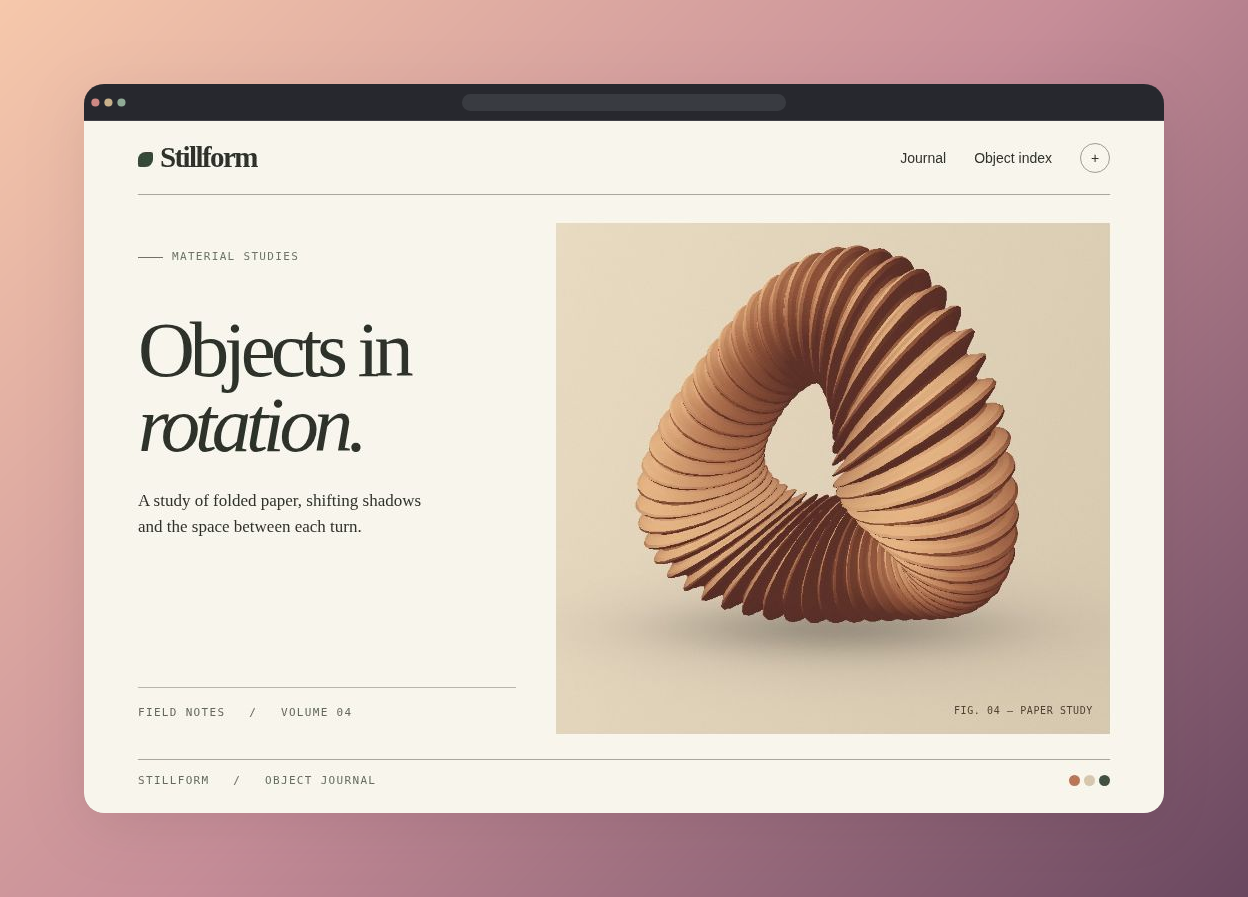
An interactive sample. Pick a backdrop and export the result.
Style a screenshot for a launch or keep an editable image for documentation that changes with your product.
Grab the visible tab, a selected region, or a full scrolling page. Zoom in for the details.
Choose a wallpaper or a layout. Add callouts and redactions, then copy or export your image.
Save a filename and optional article link. When the page changes, review the new capture with your crop and callouts before replacing the original.
The extension keeps your captures and edits in your Chrome profile. You decide when to copy or export the image.
Capture the visible area, a selected region, or a scrolling webpage in desktop Chrome. For full-page shots, keep the tab active and the pointer still while the page scrolls.
Save a Docs asset with a stable filename. Return to its source page, take a new capture, and check that the crop and marks still align before replacing the saved image.